Configure the recurrence on the Opportunity form
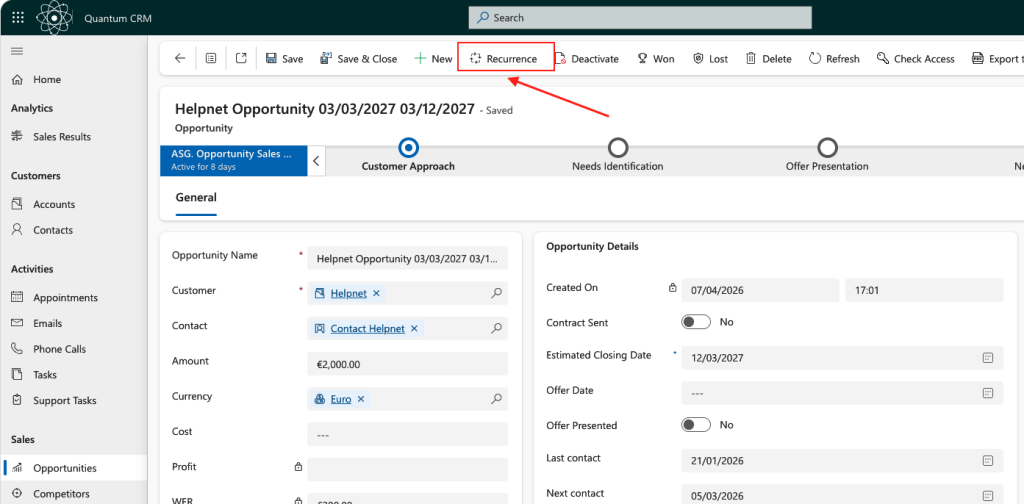
To use the Recurrence button the Opportunity form, first you must configure the following three steps:
STEP 1.
First, assign the new security role to all users who should be allowed to create recurrence patterns. The security role should be assign in addition to the existing security roles.
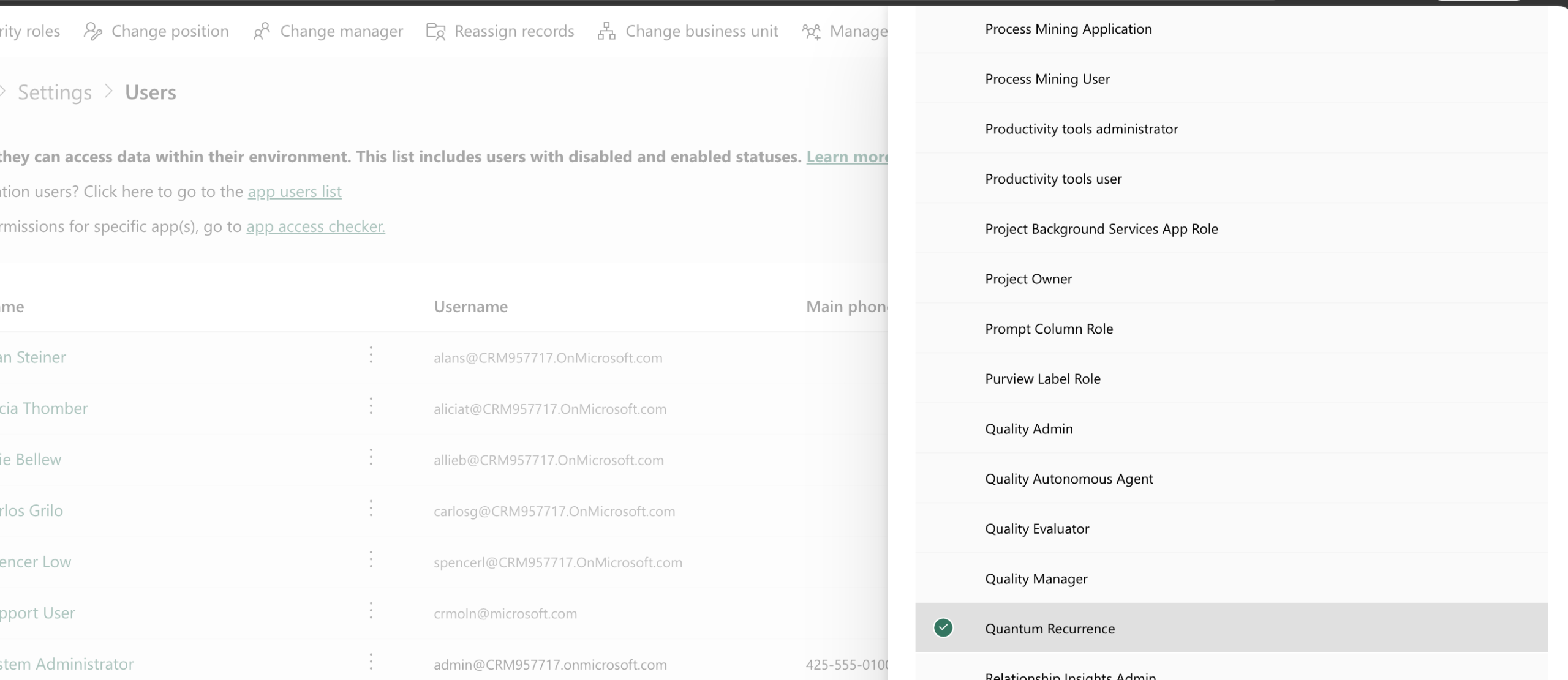
STEP 2.
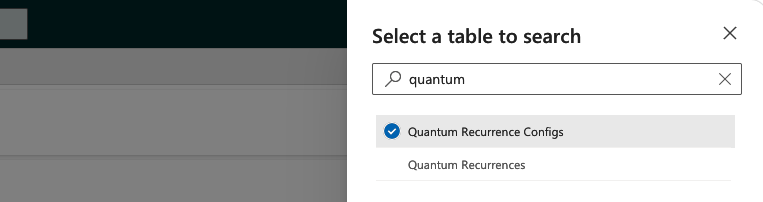
Go to Advanced Filter in the Power Platform Environment Setting

Search for Quantum Recurrence Config table and click Continue
Create a New record and fill in the following details:
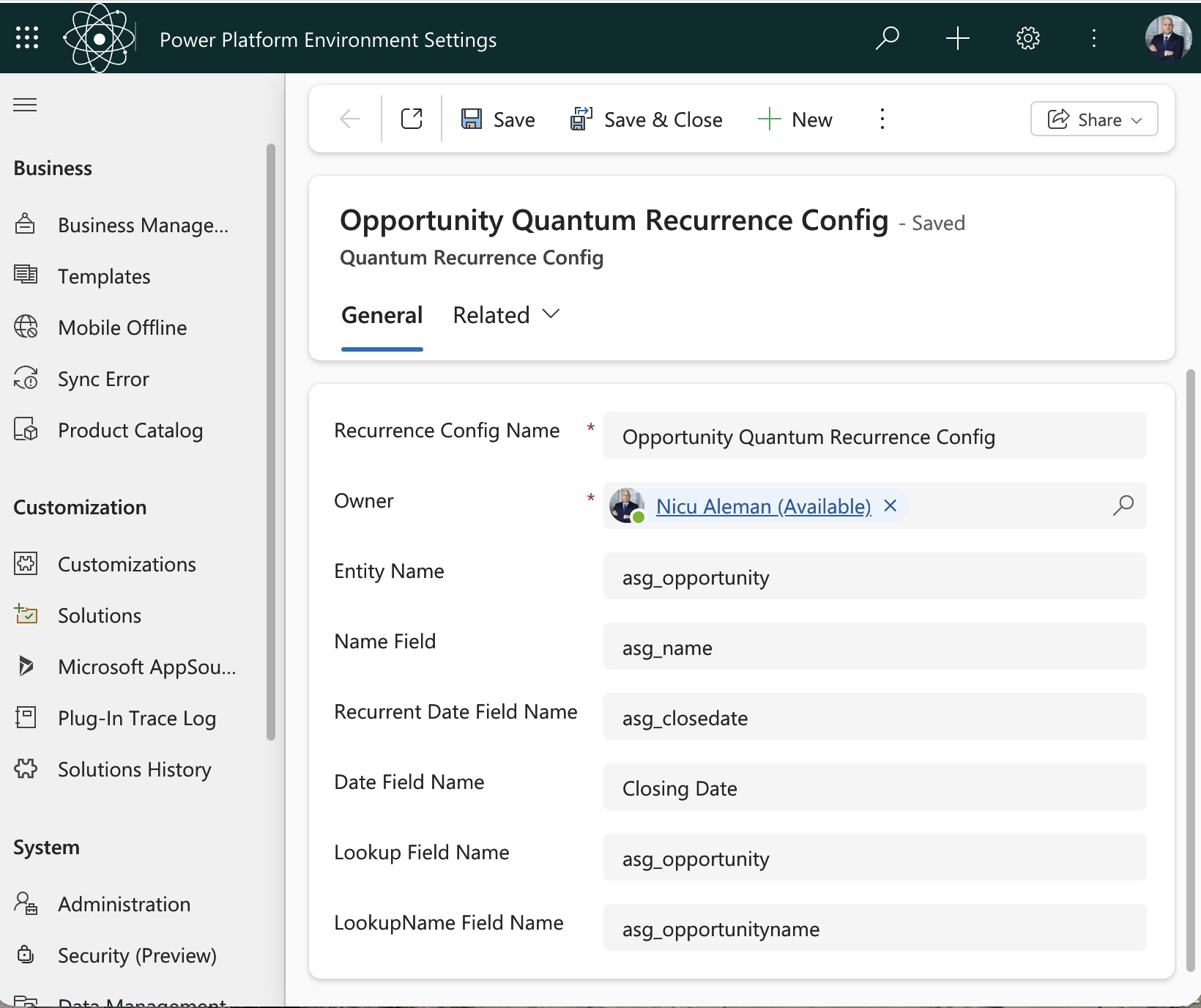
Click Save & Close.
STEP 3.
In the same Advanced Filter, look for Custom Environment Variable table and click on Continue
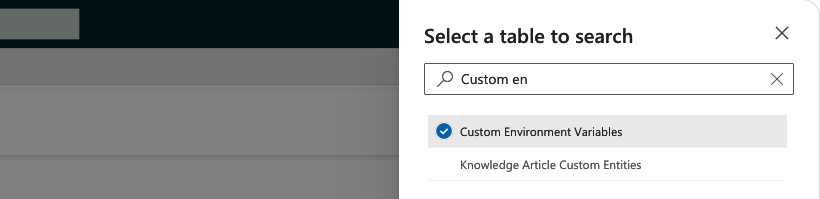
Create a New record and fill in the following details:
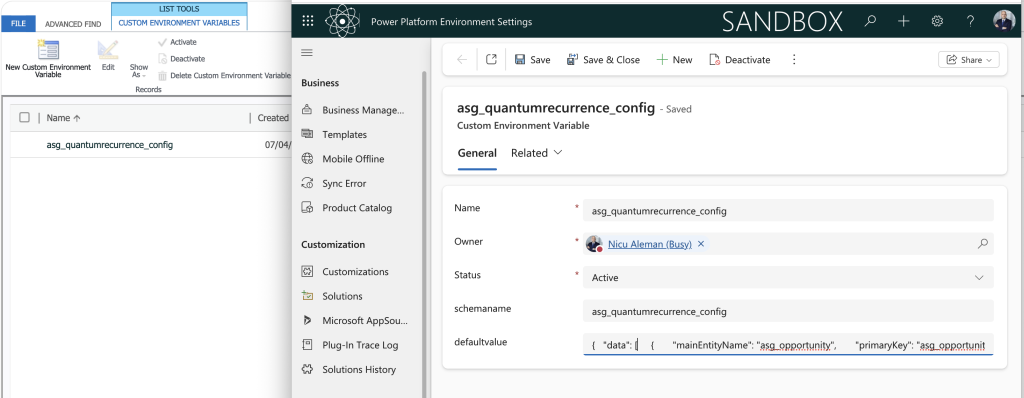
The defaultvalue field should have the following text, at minimum:
{ "data": [ { "mainEntityName": "asg_opportunity", "primaryKey": "asg_opportunityid", "nameField": "asg_name", "recurrentDateField": "asg_closedate", "recurrentLookupField": "asg_opportunity", "excludedAttributes": [ "asg_opportunityid", "asg_closedate", "asg_name", "statecode", "statuscode", "ownerid", "createdon", "createdby", "createdonbehalfby", "modifiedon", "modifiedby", "modifiedonbehalfby", "overriddencreatedon", "transactioncurrencyid", "exchangerate", "processid", "stageid", "traversedpath" ], "relationships": [] } ] }IMPORTANT: All fields included after the excludedAttributes contain the fields that you don’t want to be copied in the Recurrence pattern, on future opportunities. This means that you can add new fields to be excluded. All other fields will be copied on the future opportunities.
ALSO IMPORTANT: When you paste the above code, make sure the inverted commas are in ASCI mode. Some browsers convert them to curly inverted commas.
If you encounter any issue, please email us at support [AT] asgcrm.com.